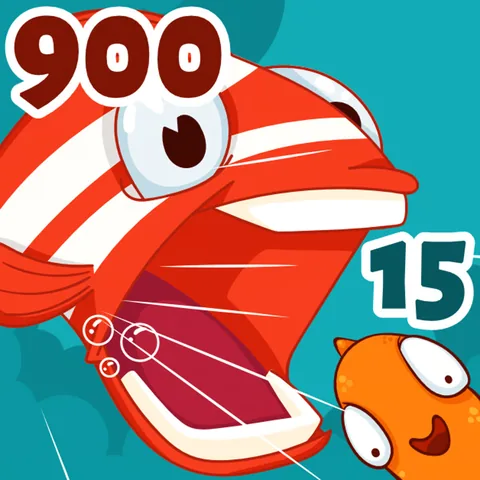
Fish Eat Fish
Fish Eat Fish is a simple ocean game about size: eat what is smaller, avoid what is bigger. It works for short sessions and for up to three people on one device.
Mount plate
- Genre
- Arcade
- Made by
- Indiesoft
- Devices
- Computer, phone, tablet
- Keys or touch
- Player one: W A S D; player two: arrow keys; player three: U H J K or mouse
- Session
- Grow-as-you-go rounds
- Account
- None mentioned on Poki
- Audience
- Not stated on Poki
- Updated
- October 2026
What a round feels like
You start as a small fish and hunt smaller ones to grow. Bigger fish are a danger until you outgrow them. As you get larger the ocean gets more crowded, so there is always something new to steer around.
Up to three players can share one device, using different keys or the mouse.
Reins, keys and swipes
- W A S D
- Player one
- Arrow keys
- Player two
- U H J K or mouse
- Player three
Tips for the first rounds
- Stay near the edge of the screen while you are small, so there are fewer directions to be chased from.
- Look at the size of a fish before you turn toward it.
- Do not chase a fish into a crowd; bigger fish gather there.
- With friends, split the screen sides so you do not block each other.
Who might enjoy it
Anyone who wants an easy-to-learn game with a clear rule, including players who share one computer.
Before you climb on
— The rule is simple, so there is not much variety beyond the growing crowd.
— Poki may show ads around the game; they come from Poki, not from this site.
Next to it on the ride


Questions about Fish Eat Fish
Is Fish Eat Fish free?
Poki lists it as free to play in the browser and mentions no registration.
How many can play?
Up to three players on one device.
How do I grow?
Eat fish that are smaller than you.
Does it work on a phone?
Poki lists computer, phone and tablet.
Where the gate opens
The game itself opens on poki.com, a separate site, in a new tab.
Open Fish Eat Fish on Poki (opens in a new tab)